
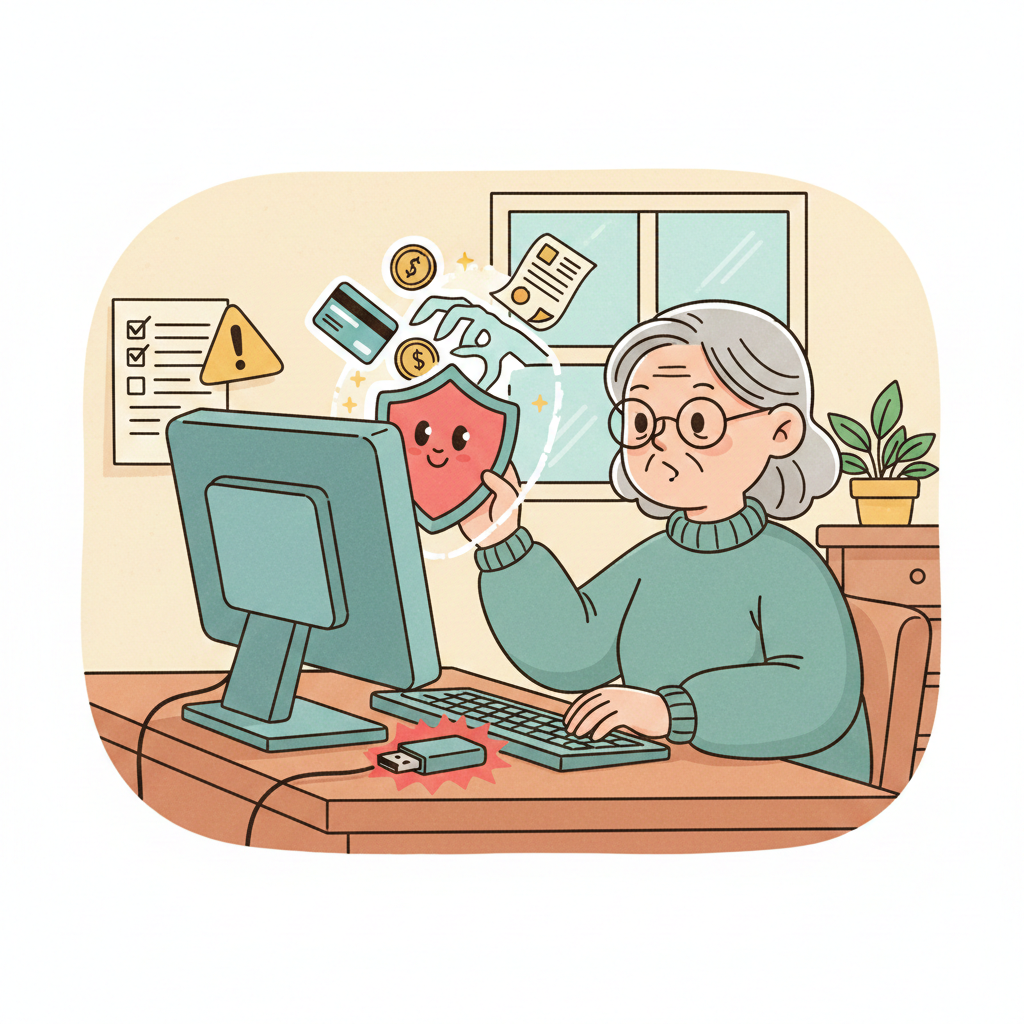
Understanding the Flash Drive Scam: A Essential Guide for Seniors
Technology has brought incredible benefits to our lives, but it has also opened doors for sophisticated criminals. One of the most deceptive threats today is the “Flash Drive Scam.” This scheme blends physical manipulation with digital warfare, specifically targeting seniors who may be less familiar with the hidden dangers of modern hardware.
At its core, this scam relies on a simple human trait: curiosity. This guide will explain how the scam works, how to spot the red flags, and what steps you can take to keep your personal information secure.
What is the Flash Drive Scam?
A flash drive (also known as a thumb drive or USB stick) is a small, portable device used to store files. In this scam, fraudsters leave infected drives in public places, like parking lots, parks, or coffee shops, or mail them directly to homes.
The goal is to trick you into plugging the drive into your computer. Scammers know that if you find a “lost” drive, you might be tempted to see what’s on it to help return it to its owner, or you might think you’ve found a free piece of technology. Once that drive is plugged in, the trap is set.
How the Scam Works
The moment the drive is connected to your computer, it can automatically execute malicious code. This bypasses many traditional security measures because the “attack” is coming from a physical device you chose to plug in. These drives can:
- Install Malware: Software that tracks your keystrokes to steal passwords.
- Ransomware: Programs that lock your files and demand payment to get them back.
- Data Breaches: Unauthorized access to your photos, tax returns, and banking information.
Common Variations of the Scam
Scammers are adaptable and use several “costumes” to hide their true intentions:
- The “Free Gift” Giveaway: You might receive a flash drive at a community event, senior center, or via mail, branded with a legitimate-looking logo (like a major bank or a tech company). It’s presented as a promotional gift or a “pre-loaded” catalog.
- The Urgent Prize: You receive an email or call claiming you’ve won a sweepstakes. To “verify” your identity or claim the prize, they instruct you to use a specific flash drive they send to you.
- The Tech Support Ploy: A scammer posing as a tech support representative may claim your computer has an issue. They might mail you a “repair kit” on a USB drive, claiming it will fix your system. In reality, it does the exact opposite.
- The “Lost” Property: This is the classic “honeypot.” A drive is left on a sidewalk or a table in a library. Curiosity leads the finder to plug it in to see the “owner’s photos,” only to infect their own machine.
Recognizing the Red Flags
Protecting yourself starts with a healthy dose of skepticism. Watch for these warning signs:
- Unsolicited Sources: If you didn’t buy the flash drive or receive it from a person you know and trust, do not use it.
- Generic or Suspicious Packaging: Legitimate tech products come in professional, branded retail packaging with manufacturer contact info. If it’s in a plain plastic bag or has no branding, stay away.
- “Too Good to Be True” Offers: Any “free” high-capacity storage device offered by a stranger is a major red flag.
- Urgency or Secrecy: If someone pressures you to “plug this in right away” to claim a reward or fix a problem, they are likely trying to bypass your better judgment.
How to Protect Yourself
You are your own best line of defense. Follow these gold rules of digital safety:
1. Never Plug in Unknown Devices
This is the most important rule. If you find a drive or receive one unexpectedly, do not connect it to your computer. There is no safe way to “just check” what is on it without risking your security.
2. Keep Your Software Current
Ensure your computer’s operating system and antivirus software are set to Auto-Update. Modern antivirus programs can sometimes intercept malicious files on a USB drive before they can run, providing an extra safety net.
3. Verify the Source
If you receive a drive from a “company” you do business with, call their official customer service number (found on your actual statements, not on the packaging the drive came in) to verify if they sent it.
4. Physical Destruction
If you find a suspicious drive, don’t just throw it in the trash where someone else might pick it up. The safest path is to physically destroy it. Using a pair of pliers to crush the internal chip or snapping the connector ensures it can never be used again.
5. Use Modern Security Tools
Whenever possible, use Multi-Factor Authentication (MFA) on your bank and email accounts. This way, even if a scammer steals your password via a flash drive, they still can’t get into your accounts without a second code sent to your phone.
What to Do If You’ve Been Scammed
If you’ve already plugged in a suspicious drive and realize something is wrong, don’t panic. Take these steps immediately:
- Disconnect from the Internet: Turn off your Wi-Fi or unplug your internet cable. This stops the malware from “talking” to the scammer or uploading your files to their server.
- Run a Full System Scan: Use a reputable antivirus program to scan your entire computer. Many programs have an “Offline Scan” mode that is very effective.
- Change Your Passwords: Using a different device (like your phone or a tablet), change the passwords to your bank accounts, email, and social media.
- Report the Incident: Contact your local police and report the scam to the Federal Trade Commission (FTC) at ReportFraud.ftc.gov.
- Alert Your Bank: If you think financial info was compromised, tell your bank to put a “fraud alert” on your accounts.
Community Awareness: You Are Not Alone
Scammers rely on isolation and the “embarrassment” victims feel after being tricked. We must break that cycle by talking about these threats.
- Share Your Knowledge: Talk to your friends at the senior center or in your neighborhood about this scam.
- Use Local Resources: Many local libraries and senior centers offer “Tech Tuesday” workshops or digital literacy classes. These are great places to learn about current threats in a safe environment.
- Support One Another: If a friend mentions a “strange gift” they got in the mail, remind them of the risks.
Final Thoughts
The digital world offers us a wonderful way to stay connected with family and explore new hobbies. By staying vigilant and following the simple rule, “If you didn’t buy it, don’t plug it in”, you can enjoy your technology with confidence and peace of mind. Your curiosity is a gift; don’t let a scammer turn it into a vulnerability.
To make things easier, I’ve created a printable version of these safety steps. You can keep it right on your desk as a quick reference whenever you’re using your computer.