
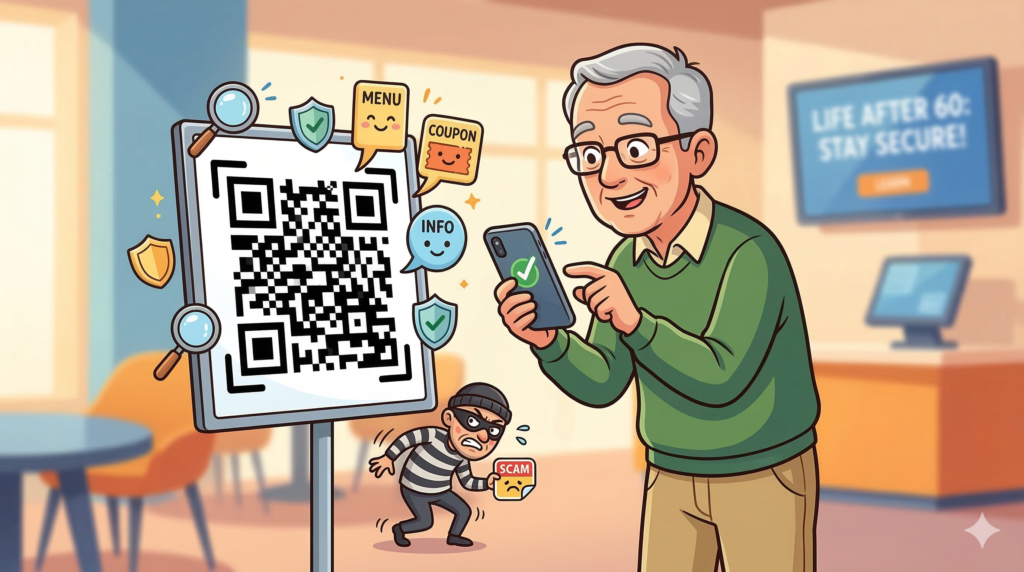
The Square of Despair? How to Use QR Codes Without Getting Bamboozled
Remember when the most high-tech thing in a restaurant was a laminated menu that still had a gravy stain from 1994? Those days are fading faster than a Florida sunset. Now, you sit down, and instead of a menu, there’s a little black-and-white pixelated square staring at you like a digital Rorschach test.
Welcome to the era of the QR Code.
If you’ve felt a bit hesitant to point your expensive smartphone at these strange squares, you aren’t alone. While they are incredibly handy for everything from viewing a menu to paying for parking, they’ve also become the latest playground for digital pickpockets. Let’s break down how to embrace the “square” life without letting scammers cut corners with your retirement fund.
What Exactly Is This Digital Mosaic?
A QR Code (short for “Quick Response”) is essentially a barcode’s overachieving cousin. While a standard barcode, like the ones on a loaf of bread, only holds information horizontally, a QR code holds it both horizontally and vertically.
Think of it like this: a regular barcode is a one-way street, but a QR code is a multi-story parking garage. This allows it to store way more data, usually a link to a website, a digital coupon, or a payment portal. When you “scan” it with your phone’s camera, your phone translates those weird dots into a web address and whisks you away to your destination.
Where the Squares Are Hiding
You’ll find these little guys everywhere these days. It’s like a game of Where’s Waldo, but Waldo is a square and he wants you to visit a website.
- Restaurants: Instead of a physical menu, you scan the square on the table to see the daily specials.
- Parking Meters: No more digging for quarters in the couch cushions; you scan the code on the sign to pay via your phone.
- Medical Offices: Checking in for your appointment or viewing your latest test results.
- Magazines and Mailers: Direct links to “Buy Now” or “Learn More” without typing in a 50-character URL.
- Public Parks & Landmarks: Great for historical tours (or finding the nearest restroom).
Why Businesses (and Customers) Love Them
Before we get to the “scammy” stuff, it’s worth noting that QR codes aren’t the enemy. They actually make life pretty easy.
For Businesses: They save a fortune on printing costs. If the price of the Early Bird Special changes, they just update the website instead of reprinting 500 menus. Plus, they can track how many people are actually looking at their offers.
For Us: It saves time. No more squinting at tiny print or typing “www.thishistoricsiteincentralflorida.com/info” into a browser with thumbs that weren’t designed for tiny glass screens. It’s a one-tap ticket to information.
Enter the Grinch: How Scammers Use QR Codes (“Quishing”)
As with everything good in this world, like chocolate or Social Security, scammers have found a way to ruin the fun. This new trend is called “Quishing” (QR Phishing).
Since we can’t “read” a QR code with our naked eyes, we have to trust where it’s taking us. Scammers bank on that trust. Here is their playbook:
- The Sticker Swap: This is the most common trick. A scammer will print their own malicious QR code on a sticker and slap it right over a legitimate one. You think you’re paying for parking in downtown Cocoa Village, but you’re actually sending your credit card info to a guy in a basement across the globe.
- The “Urgent” Mailer: You get a letter that looks like it’s from the bank or the IRS (they love scaring us, don’t they?). It says there’s a problem with your account and tells you to “Scan this code immediately to verify your identity.” Spoiler: It’s not the bank.
- The Phony Survey: “Scan to win a $500 Publix gift card!” We’d all love a free grocery haul, but these codes often lead to sites that install “malware” (digital gremlins) on your phone to steal your passwords.
- The Crypto Hook: Scammers may promise “get rich quick” schemes involving Bitcoin, using QR codes to make the process look “modern” and “exclusive.”
How to Protect Your Digital Domain
You don’t need to be a computer genius to stay safe. You just need a healthy dose of that “skeptical grandparent” energy we’ve spent years perfecting.
- Inspect the Goods: Before you scan, give the code a little scratch with your fingernail. Is it a sticker peeling off a hard surface? If it looks tampered with, don’t scan it. Ask for a physical menu or pay the attendant instead.
- Preview the Link: When you point your camera at a QR code, most modern phones will show a “preview” of the web address (the URL) before you click it. If the restaurant is “Bob’s Burgers” but the link says “bit.ly/free-money-honestly,” keep your thumb off the screen.
- Avoid “Scanner Apps”: You don’t need a special third-party app to scan QR codes. Your phone’s built-in camera does it perfectly. Many of those “Free QR Scanner” apps in the App Store are actually filled with ads and tracking software.
- Never Pay via QR Code in a Text/Email: If a company sends you a QR code out of the blue via text or email, treat it like a telemarketer calling during dinner. Delete it.
- Use Multi-Factor Authentication (MFA): This is just a fancy way of saying “Double Lock Your Doors.” If a scammer does get your password, MFA ensures they still can’t get into your accounts without a code sent to your physical phone.
Oops, I Scanned It. Now What?
If you realized too late that the “Free Coffee” QR code was actually a “Give Me Your Data” code, don’t panic. Deep breaths.
1. Disconnect: Immediately turn off your Wi-Fi and cellular data. This can stop a malicious site from finishing a download or sending your data back to the mothership.
2. Change Your Passwords: From a different device (like your home computer), change the passwords to your banking, email, and primary social media accounts.
3. Monitor Your Statements: Keep a hawk-eye on your credit card and bank statements for the next few months. Even a $1 charge you don’t recognize is a red flag.
4. Contact Your Bank: If you entered credit card info, call the number on the back of your card. Tell them you may have been a victim of a QR scam and ask for a new card with a different number.
5. Report It: You can report the scam to the FTC at ReportFraud.ftc.gov. It helps them track these crooks and protect others.
Final Thoughts
QR codes are like the “Clapper” of the 2020s, they’re a convenience that feels a little like magic until things go wrong. But being over 60 doesn’t mean we have to be tech-phobic; it just means we have the wisdom to look before we leap. Use your camera, enjoy the digital menu, but keep your “scam-radar” tuned to high. If a square looks suspicious, treat it like a suspicious character at the front door: don’t let it in, and definitely don’t give it your wallet.